· Practical tips
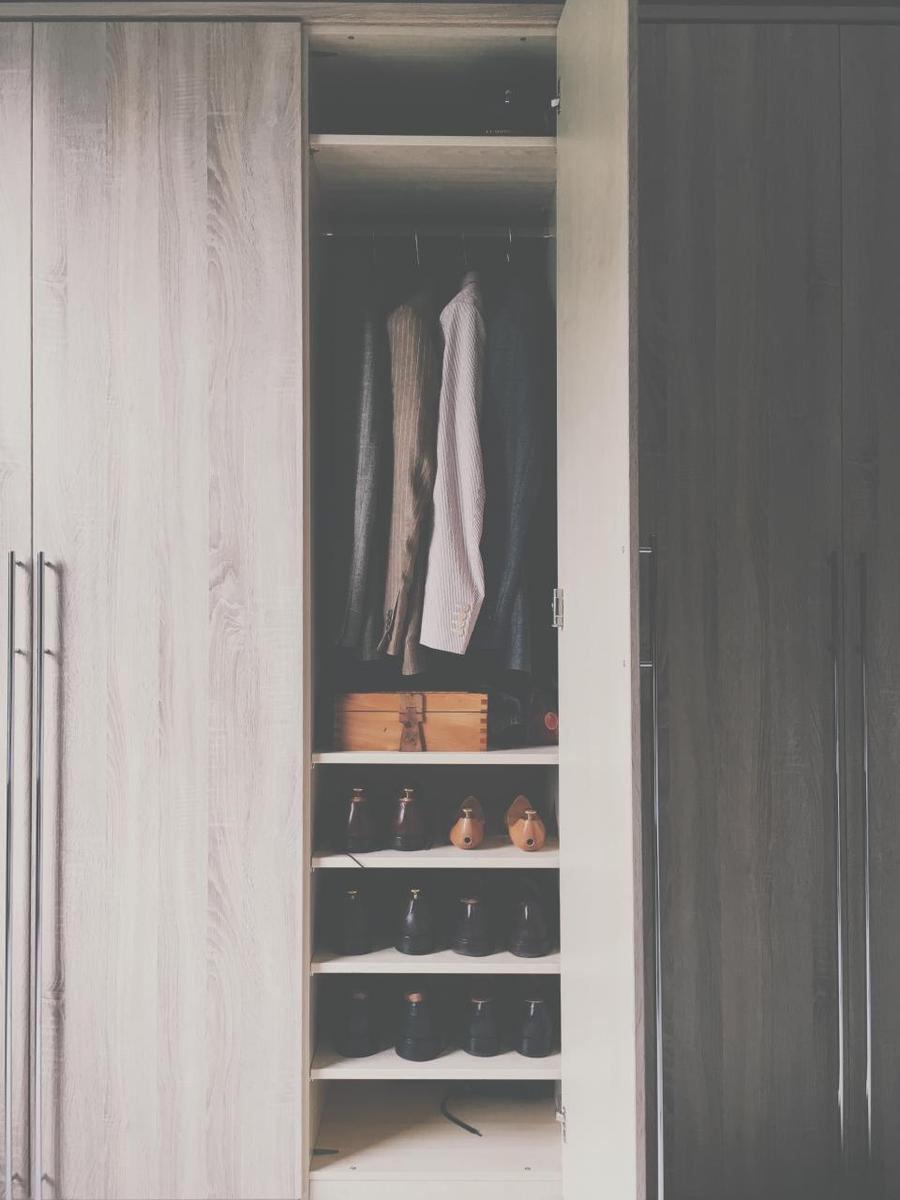
How to make the most of a small closet: ideas that work
With a good interior layout, a small closet can hold far more. These ideas work in any apartment.

Desk height, chair, screen and lighting: small adjustments to work more comfortably and feel less tired.
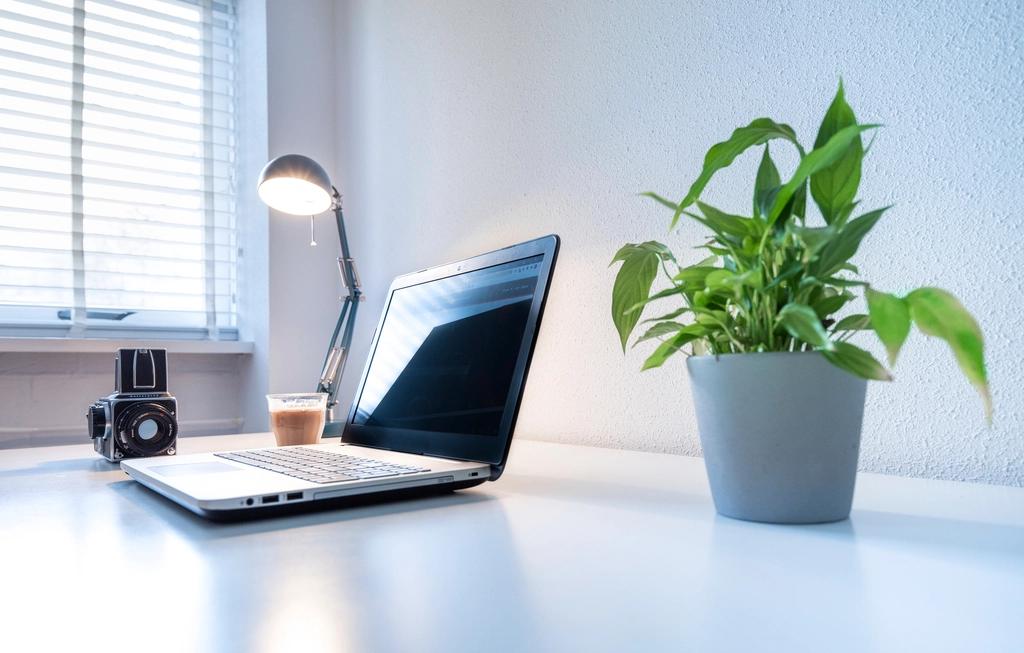
Spending eight hours at a desk should not hurt. Many back, neck and wrist pains come from a poorly adjusted workstation, and they can almost always be fixed with simple changes. Here are the ones we recommend most when designing offices and desks.
With your feet flat on the floor, your knees should form an angle close to 90 degrees and your forearms should rest at desk height, with relaxed elbows. If you cannot reach the floor, use a footrest.
A standard desk is between 72 and 75 cm tall, but not everyone has the same height. That is why, for people who work many hours, a custom or adjustable height is worth considering.
The top edge of the screen should be at eye level or slightly below, about 50 or 60 cm away. If you use a laptop, a stand and an external keyboard prevent hunching your neck.
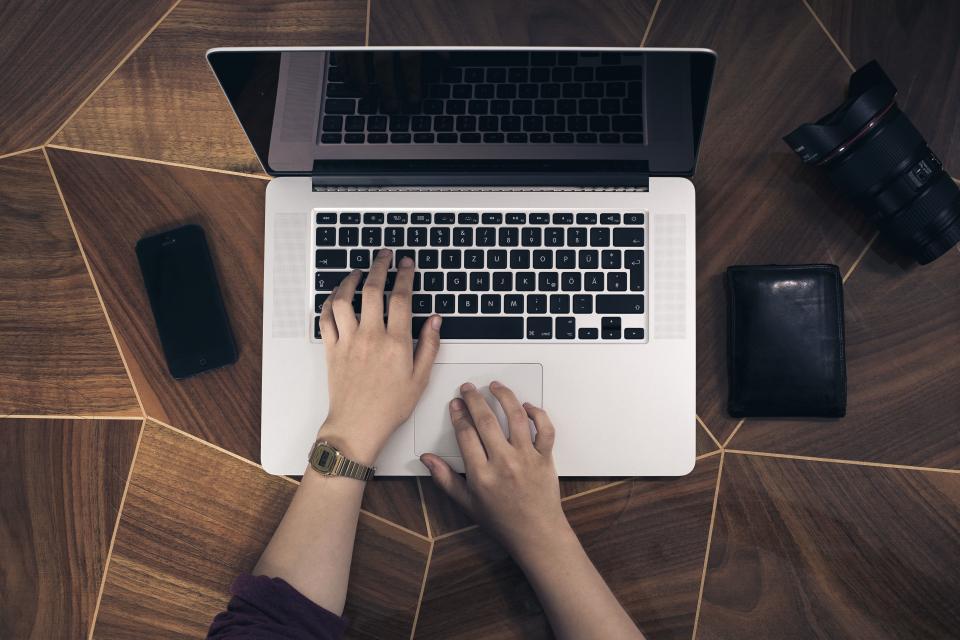
The keyboard and mouse should be close to your body, so your elbows do not drift apart and your wrists do not bend upward.
A good office chair can be recognized by these features:
If your budget is limited, invest in the chair first: it is the element that most affects your comfort.
If you work from home, avoid using the sofa or bed as a workstation. A simple desk with a good chair already makes a difference, even in little space. Choose a piece with enough depth to keep the screen at a comfortable distance.
People who work standing, such as at service counters, need a different height: the surface should sit at the height of bent elbows. An anti-fatigue mat and a small footrest help relieve the legs.
In both cases, the key is to alternate. Changing posture several times a day is healthier than holding a single one, however ideal it seems.
Natural light is your best ally, but avoid glare on the screen. Place the monitor to the side of the window and use blinds to control brightness.
No posture is good for hours. Stand up every hour, walk a few minutes and stretch your shoulders. An adjustable standing desk helps you alternate positions.
Sit the way you always do and check: do your feet touch the floor, are your elbows relaxed, is your screen at eye level, does your back have support? If you answer no to any, you know what to adjust.
Repeat this check whenever you change chairs or desks. Over time you will do it without thinking, and your body will thank you at the end of the day.
When building desks and workstations, we consider height, surface depth and cable grommets to keep cables away from your feet. We also leave free space for your legs and the chair.
If you want to equip an office with ergonomic criteria, tell us how many people will work there and what they do during the day, and we will propose a suitable layout.
· Practical tips
With a good interior layout, a small closet can hold far more. These ideas work in any apartment.

· Practical tips
How to keep a module cool or warm depending on the climate: panel type, roof, windows and ventilation.
· Practical tips
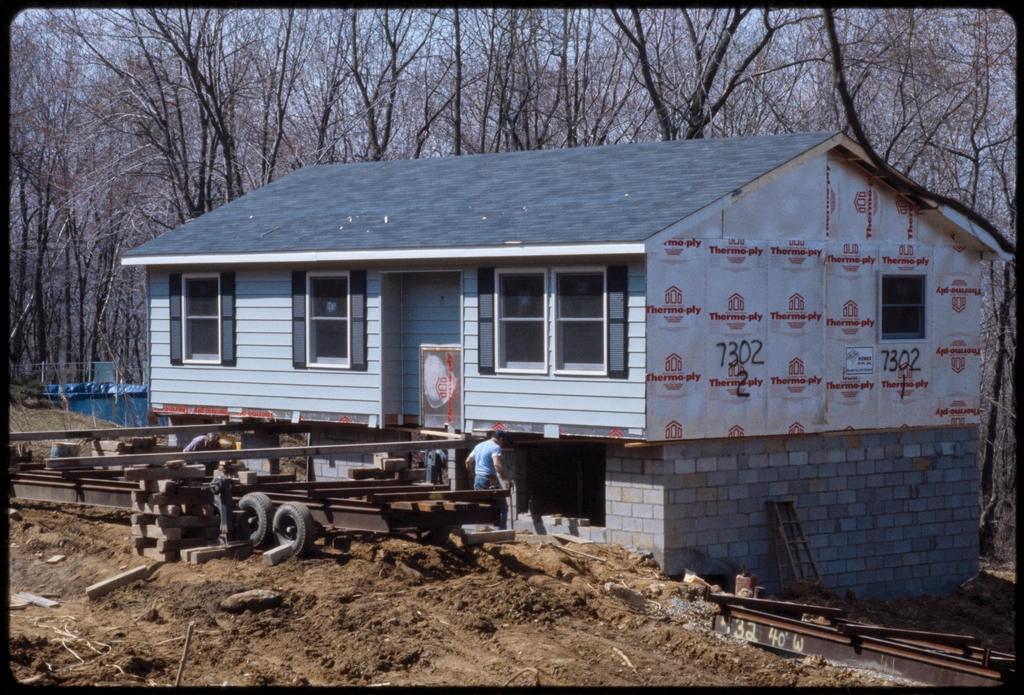
What drives the price of a modular home, what it includes and what you should budget separately before you begin.